1. Export a CSV file from Live Timecode Notes app
Open the project in the app, then select "Export Notes" from the top menu. Select "CSV". Generate and save the file.

2. Import the CSV file into Numbers
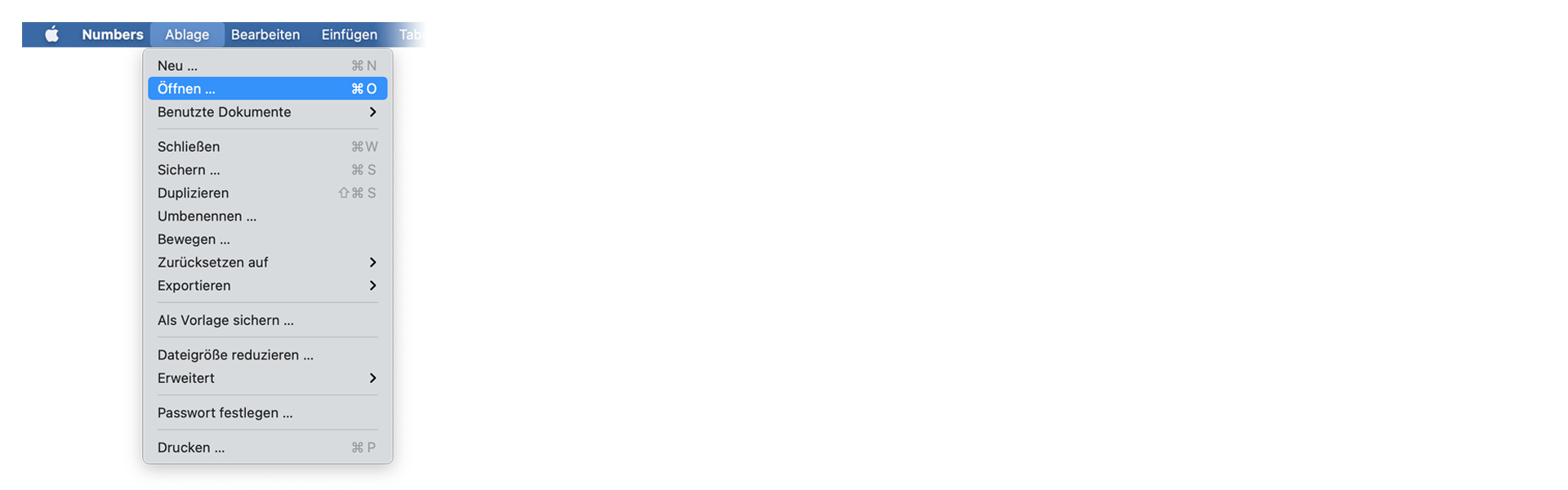
Open Numbers and go to "File -> Open". Simply open the CSV file.
🚀 Valmis
Siinä kaikki tällä erää! Jos ohjeesta oli hyötyä, jaa se ja tue meitä. Jos sinulla on ehdotuksia työnkulun parantamiseksi, kerro meille!